Import from ChatGPT
Written By Alara
Last updated Over 1 year ago
With the MemoryPlugin browser extension, you can import all your existing memories from ChatGPT into MemoryPlugin in one click!
Once you have the browser extension Browser Extension installed on your browser, you need to:
Open ChatGPT in the browser
Open Settings
Open the Personalisation tab
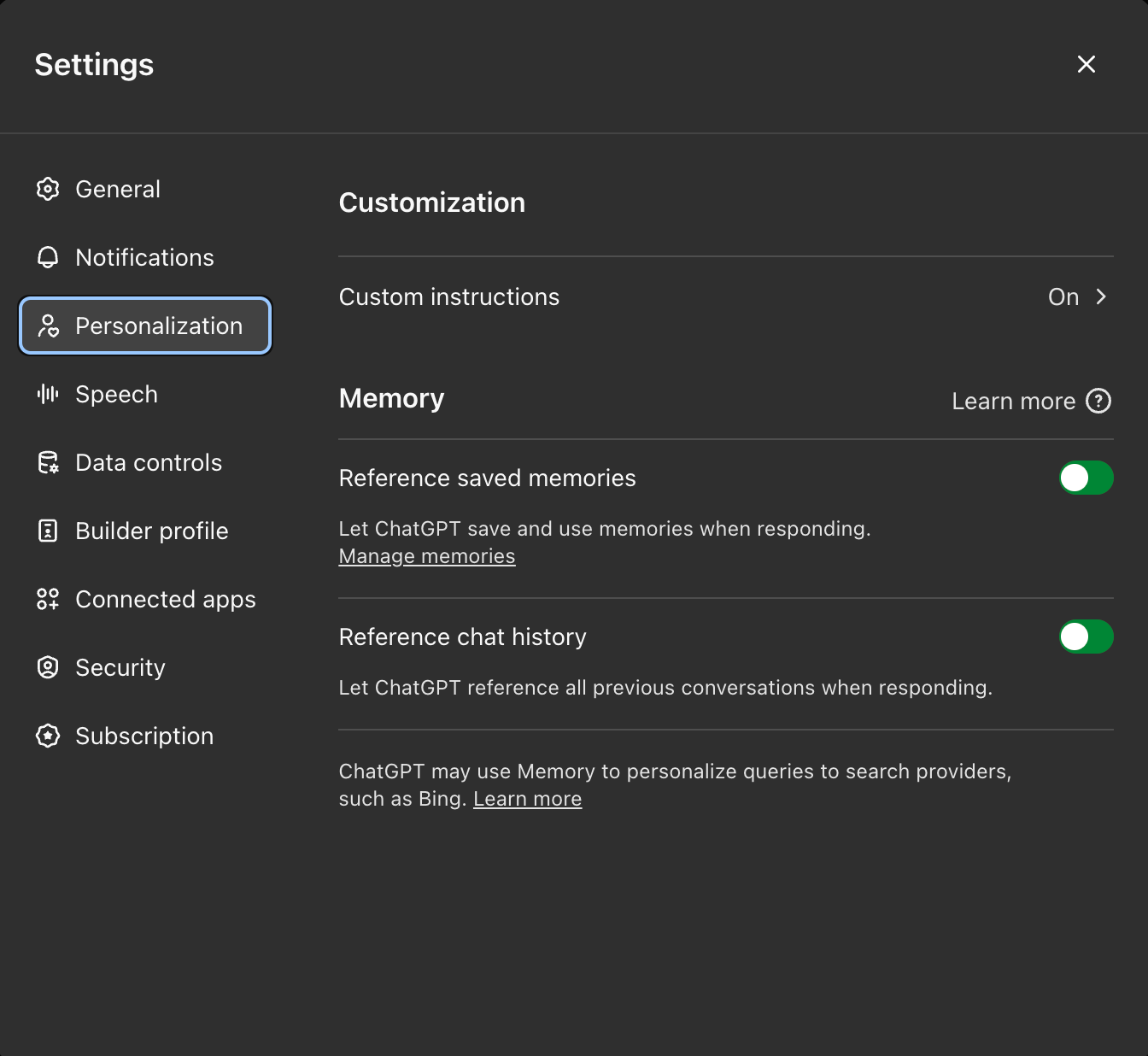
Click on Manage memories
You will see a “Sync Memories” button with the MemoryPlugin logo. Click the button.
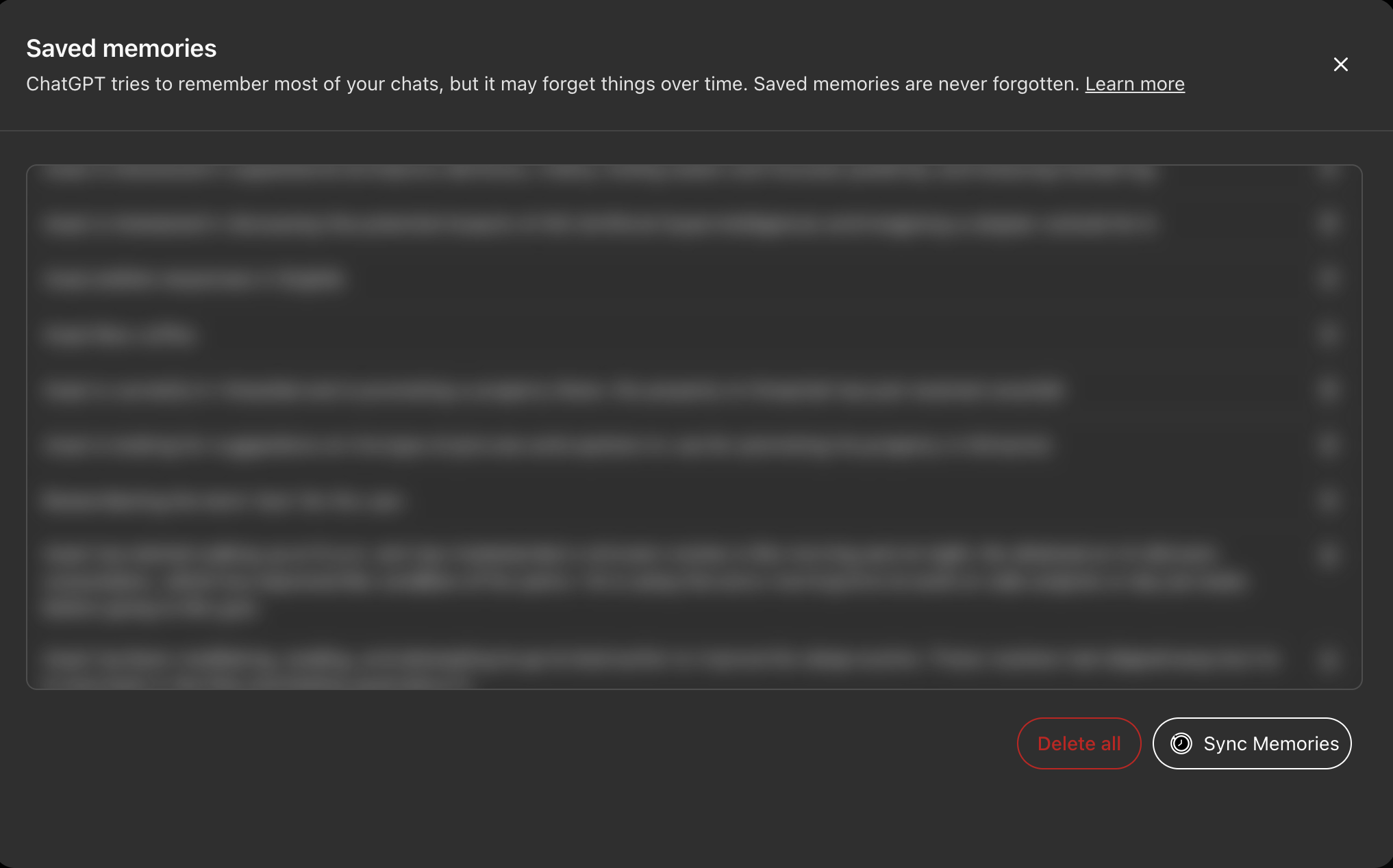
The button will say “Syncing…”
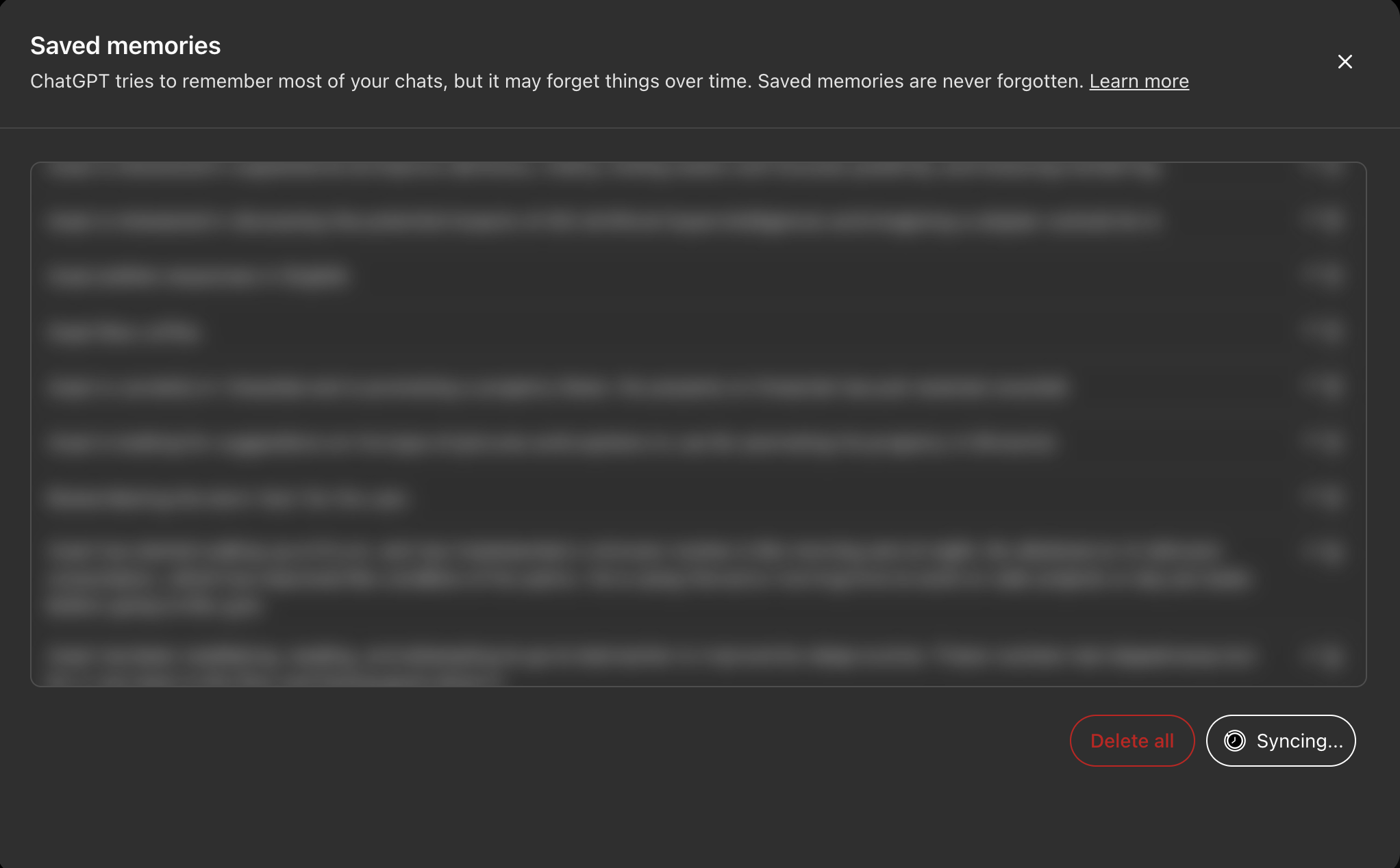
In a couple minutes, the syncing will be complete and you will see the button go back to the Sync Memories text.
You can safely run the sync multiple times without worrying about duplicate memories being created.
Was this helpful?
Still need help? Ask the team